Set up & use
Print from Chrome or any app
Use Share, then Print, and pick your RollCast printer.
Any app with a "Print" option can print on your receipt printer.
Print a web page in Chrome
- 1Open the page in Chrome.
- 2Tap the ⋮ menu (top right).
- 3Tap "Share".
- 4Tap "Print".
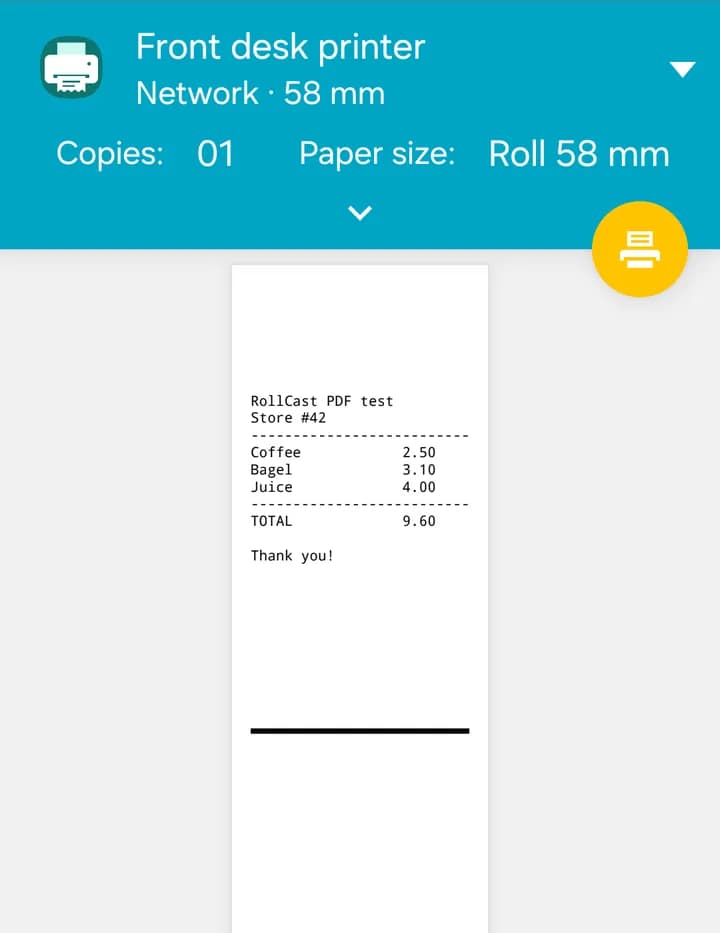
- 5At the top, tap the printer name.
- 6Pick your RollCast printer. If you don't see it, tap "All printers".
- 7Tap the round print button.
Tip
You only pick the printer once. Chrome remembers it next time.
The first time only
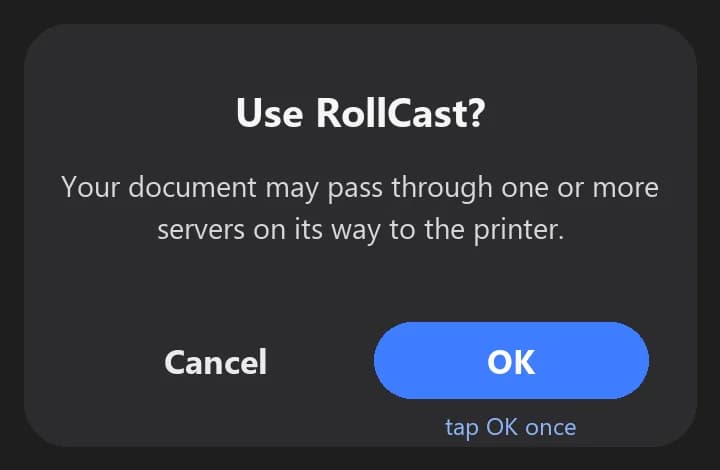
Android may ask "Use RollCast?". Tap "OK". It will not ask again.
Other apps
In other apps, look for "Print" in the ⋮ menu or in "Share". The steps are the same.
Tip
Seeing two similar printers, or the wrong one? Tap "Enable print service" in RollCast and turn off other printing apps (for example RawBT).
"Paper out" or "This printer isn't available right now"
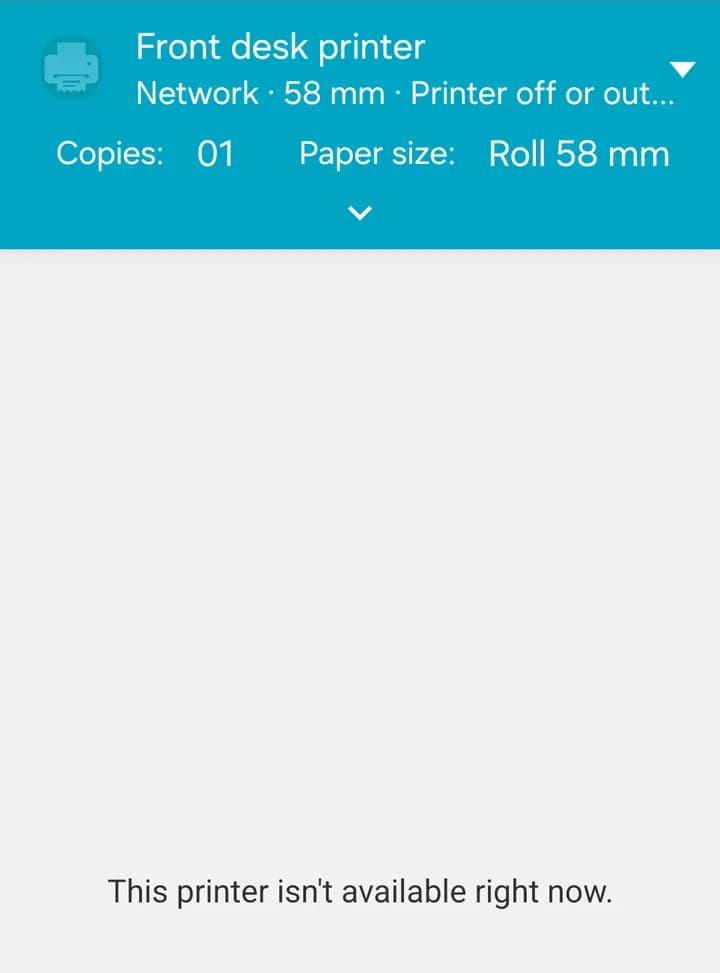
This means the printer is out of paper, its cover is open, or it is switched off. Fix the printer and wait a few seconds. The print button works again.
Tip
If you already tapped print, the job waits. It prints by itself when the printer is ready.